Top 4 Glean Alternative Software 2026
Explore the top 4 Glean alternative software options to streamline reporting and manage insights effectively for your business.
ClaudeDrive
A Yungsten Tech product

Top 4 Glean Alternative Software 2026

Keeping sensitive organizational context current and accessible without leaking data or forcing new apps frustrates company leaders. Many tools demand a separate app, lack source-level citations, or require complex integration and governance for secure visibility control. Leaders can match these Glean alternatives by briefing delivery, source traceability, and privacy scope to their organization’s needs.
Table of Contents
ClaudeDrive
At a Glance
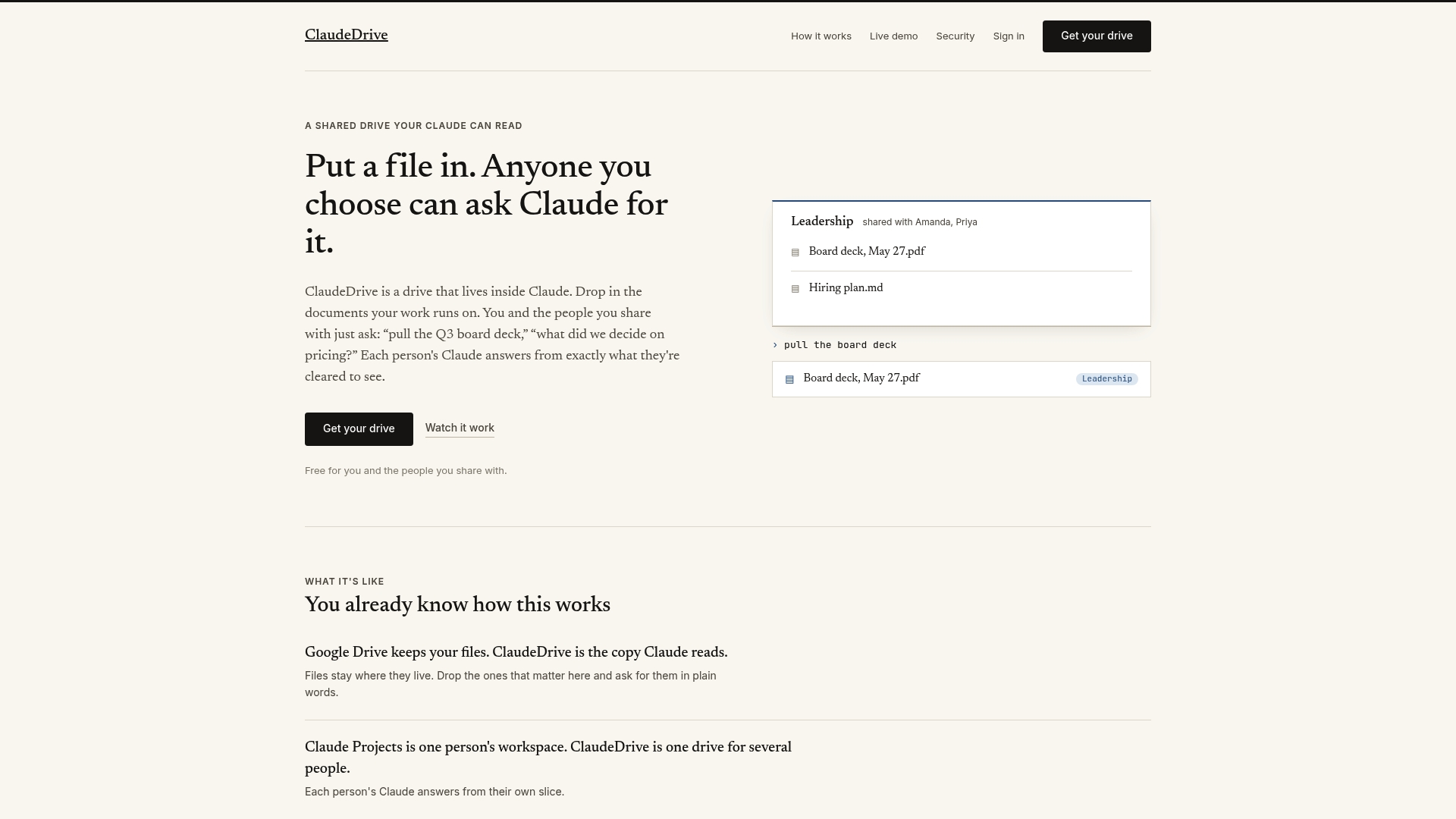
ClaudeDrive delivers a daily update inside the Claude account a leader already uses, with every line traceable to a real source. It pulls from meeting notes, GitHub, and calendars so each person reads only what they are allowed to see. The briefing appears without adding a new app, dashboard, or wiki.
Core Features
ClaudeDrive lets teams drop files into a shared drive and ask questions in plain language, with answers pulled directly from those documents. Folder-level permissions create user-specific views so sensitive material stays private while team members still query shared content. Every response cites its source document so readers can verify the origin of each statement.
Key Differentiator
The defining feature is the integrated secure drive inside Claude that returns source-attributed answers while enforcing per-user visibility. That combination keeps context inside the assistant leaders already open, rather than forcing a separate knowledge base or new UI. It focuses on delivering briefings tied to original files so readers can trace claims back to documents.
Pros
The product enforces permissioned sharing so sensitive materials remain scoped to relevant people. Answers reference their source document, which makes verification fast and reduces guesswork in briefings. Setup requires no installation, and the drive runs inside Claude so teams avoid rolling out another app or training on a new dashboard. A free tier exists for basic use, and paid plans unlock team features.
Cons
- The feature set centers on document sharing and Q&A, so workflows that need wide enterprise knowledge management features or advanced analytics may find the tool limited.
Who It’s For
ClaudeDrive fits leadership teams, chiefs of staff, and small executive groups that need private, verifiable briefings inside Claude. It suits organizations that already use cloud files and want controlled access plus document-sourced answers. It is less well suited to teams that need large scale search across many disparate systems without document-based context.
Unique Value Proposition
Daily briefings appear directly in the Claude account leaders already use, and each line is traceable to its source document. That reduces time spent chasing links and asking for context in meetings. For leadership, the economic effect is fewer follow up threads and clearer decision records tied to original files.
Real World Use Case
A leadership team drops strategic reports and board materials into ClaudeDrive and asks Claude for a briefing on next quarter decisions. Claude returns a short update with paragraphs citing the specific documents and sections. The team reads one private briefing, then discusses the items without switching apps.
Pricing
A free plan covers basic individual and small team use. Paid team plans start at $49 per user per month and add collaboration and administrative controls. Detailed enterprise pricing is not publicly listed.
Website: https://claudedrive.ai
Pensieve
At a Glance
Pensieve offers a free self-hosted setup alongside managed enterprise hosting with onboarding support. It builds and keeps a structured model of people, projects, decisions, and customers current, so that living company map feeds AI agents so they have organizational context without repeated re-explanation.
Core Features
Pensieve connects common work systems such as Slack, Notion, Google Drive, GitHub, HubSpot and ingests their records into a single company map. The system maintains that map continuously and isolates synchronized material in read only databases to limit risk. It also integrates with AI models like Claude, Cursor, and ChatGPT over MCP so agents can query a consistent, current view of company data.
Key Differentiator
The product curates a structured, current model of your entire organization for direct AI use rather than only linking raw documents. That model stores relationships among people, projects, and decisions so AI can answer with context and provenance. For leaders this reduces the time spent re explaining context to agents and contractors.
Pros
The platform creates a centralized, always current company model that AI tools can query, which cuts repeated context handoffs. It reduces the need for teammates to repeat background during conversations or handoffs because the map holds that history. Pensieve also keeps synced data in isolated read only stores and supports both self hosted and managed enterprise deployments, which helps teams with different operational policies.
Cons
- Depends on you connecting the right data sources. Incomplete connections limit the model’s accuracy and coverage.
- Enterprise hosting and onboarding represent advanced features that may add cost beyond the free tier.
- Initial setup requires time to map tools and tune what the context layer records.
When It May Not Fit
If your team has few or poorly structured source systems, Pensieve will struggle to produce a reliable company map. Organizations without existing AI tools gain less benefit because the product is designed to feed agents directly. Small teams that lack capacity to connect and curate data may prefer a lighter manual knowledge approach.
Who It’s For
Leaders and teams that already use AI assistants and want a unified, current view of company facts will find this useful. Product, support, and operations teams that need context attached to questions will see immediate returns. It fits organizations that can allocate time to connect sources and maintain quality control over records.
Real World Use Case
A product team links Slack, Notion, and GitHub to keep an up to date map of ongoing work and past decisions. AI agents then surface project status and the rationale behind choices without asking teammates for background. That reduces context friction during planning, incident response, and stakeholder updates.
Website: https://pensieve.uk
ActionSync
At a Glance
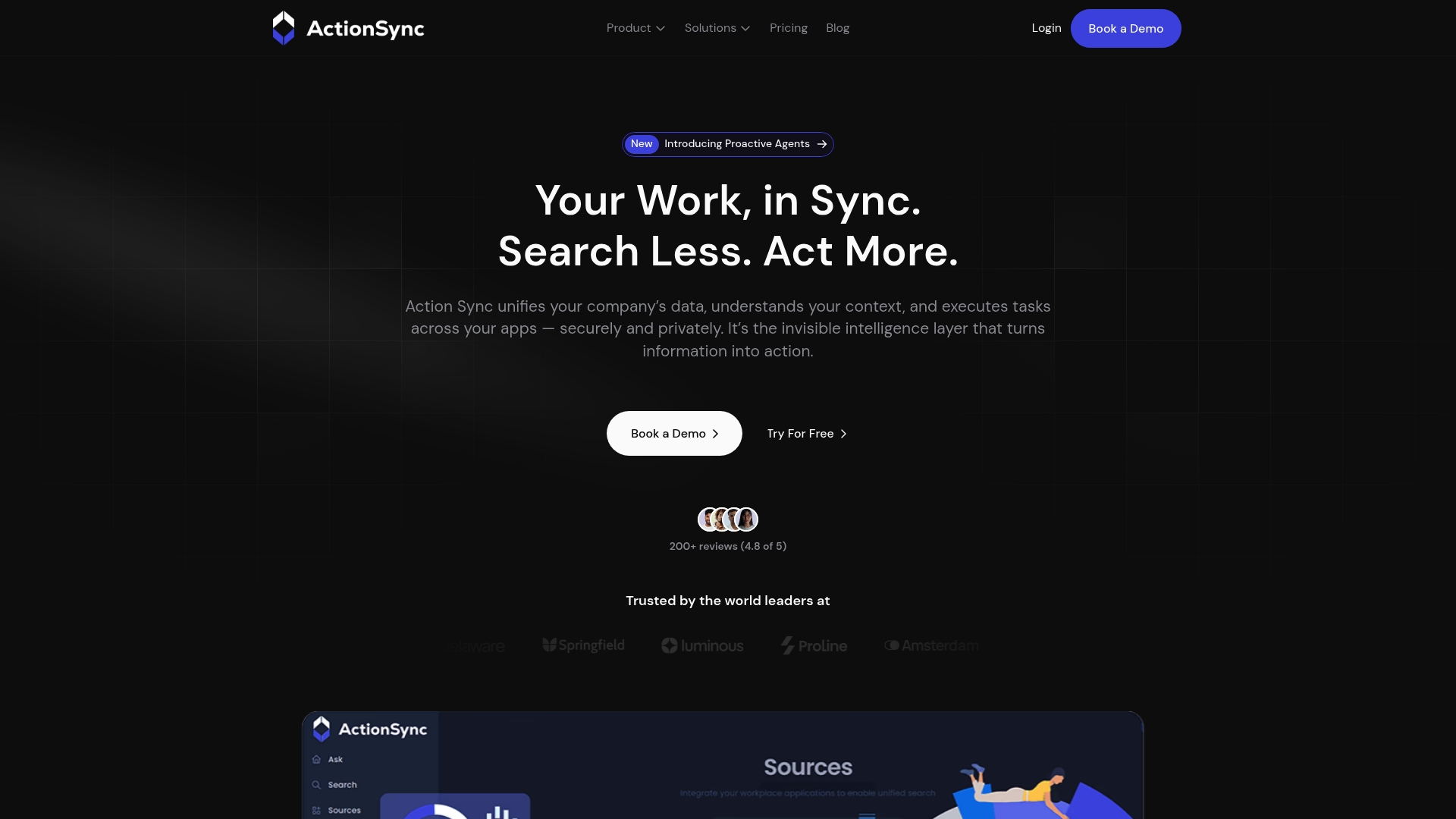
ActionSync reports a 4.8/5 average from 200+ reviews, which the vendor uses to point to strong user satisfaction. The platform targets organizations roughly between 50 and 1,000 employees and emphasizes private deployments. Leaders pick it when they need an AI layer that can act across many enterprise systems without adding a new public app.
Core Features
ActionSync unifies data from multiple apps into a single workspace and runs role specific AI assistants for sales, HR, and engineering. It automates routine tasks such as drafting emails, updating tickets, and creating documents while offering real time analytics for decision making. The product advertises enterprise privacy controls and support for private or on premise deployments.
Key Differentiator
The clearest distinguishing capability is deep integration with enterprise tools paired with private deployment options. That combination lets teams keep sensitive data inside their environment while letting assistants execute tasks across Slack, Gmail, Drive, Jira, Confluence, and CRMs. Organizations that require both strong integration depth and control over data find this mix rare among alternatives.
Pros
ActionSync shows strength in integration breadth and role tailored automation, which reduces repetitive work for cross functional teams. The vendor reports high user satisfaction, and reviewers often cite smoother collaboration when Slack, Jira, and CRM records are available to the assistant. Enterprise grade security and the option for private deployment make it a fit where compliance and internal control matter. Deployment and onboarding support aim to shorten the time to value for mid sized teams.
Cons
- Pricing details are limited, and the product data suggests enterprise setups may come with higher initial costs.
- Integrating multiple systems requires technical effort, and you should plan for engineering or IT time to set connectors and governance.
- The feature set is broad, so some teams will need time to adapt and define the right assistant behaviours.
When It May Not Fit
If your organization is very small or lacks dedicated IT resources, setup and ongoing management may create friction. Teams that need a lightweight out of the box search box rather than active automation will find ActionSync more than they need. If transparent, per seat pricing is mandatory for procurement, the vendor’s general pricing description may frustrate procurement cycles.
Notable Integrations
ActionSync connects to Slack, Gmail, Drive, Jira, and Confluence. It also integrates with CRM platforms such as HubSpot and Salesforce and accepts tabular data sources for richer queries. Those integrations let the assistant pull context from collaboration, ticketing, and sales systems.
Who It’s For
Leaders of growing companies with 50 to 1,000 employees who need an AI layer that acts across existing tools will get value. Chief operating officers, heads of product, and IT leaders who prioritize data privacy and role based automation will find the feature set relevant. The product suits organizations that can allocate technical time for initial integration.
Real World Use Case
A product team uses ActionSync to combine customer feedback, engineering notes, and release updates into one assistant that answers questions and drafts release notes. The assistant reduces manual consolidation and speeds the release cadence by handling routine documentation tasks. Product managers get quicker context without opening multiple apps.
Pricing
Specific pricing is not listed. The company states it offers a free tier plus team and enterprise packages with fixed licensing and growth scalability. Expect vendor discussions for enterprise deployment costs and implementation fees.
Website: https://actionsync.ai
Guru
At a Glance
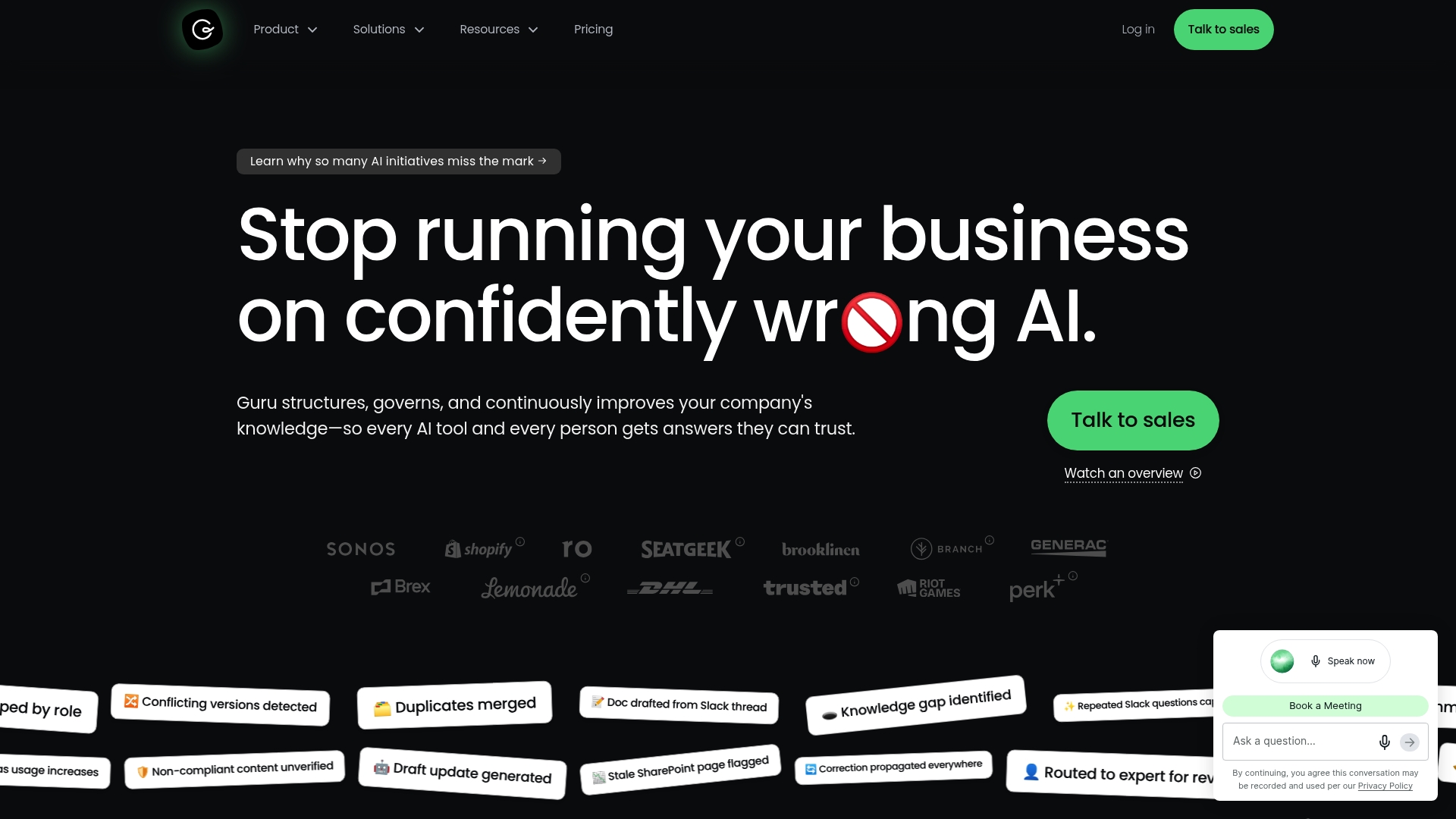
100+ sources is the most concrete capability Guru advertises for connecting and indexing organizational content. The platform keeps a single, permission-aware index that reconciles duplicates and preserves citations. That approach aims to deliver verified answers inside existing workflows, rather than forcing a new app.
Core Features
Guru centralizes ingestion with permission-aware ingestion and a unified knowledge index that deduplicates and reconciles overlapping content. The platform supports AI-driven content authoring and automated verification to keep entries current and traceable to sources. The vendor advertises compliance with SOC 2, HIPAA, and GDPR, and the product also offers action capabilities inside connected apps like chat and ticketing.
Key Differentiator
Guru focuses on governing and continuously improving the knowledge layer so other AI tools return verified answers. That continuous verification model links each answer back to a source and enforces role based access across indexed systems. For leaders who need a governed knowledge layer feeding enterprise search, chat, and workflows, that governance model is the distinct capability.
Pros
Guru connects many enterprise systems and keeps the index current, which reduces stale documentation over time. The product enforces permissions and automated verification so answers carry traceable citations and role based access controls, and those features support compliance and audit needs. Integrations with Slack, Microsoft Teams, Salesforce, and support for in app actions let teams ask questions where they already work and get responses tied to source material.
Cons
-
Effectiveness depends on proper governance and sustained data quality. Setup without governance can produce noisy or conflicting answers.
-
Integration and customization take time, especially in complex environments. Expect configuration work before results improve.
-
Complexity may overwhelm very small teams or simple documentation needs. The platform targets governed, multi tool enterprises.
When It May Not Fit
If your organization has only a few documentation sources and no governance capacity, Guru will likely be more overhead than benefit. If you need a handful of manual wiki pages without automation, a simpler tool may be faster to adopt. Organizations that require custom connectors not yet supported should validate integration coverage before committing.
Notable Integrations
- Slack
- Microsoft Teams
- Salesforce
- Zendesk
- Confluence
- SharePoint
- Gmail
- GitHub
Who It’s For
Large organizations that need a governed, scalable knowledge layer with AI automation across multiple tools will see the most value. Teams that must prove who can see what and trace answers to sources will benefit from Guru. Companies without governance resources or that need a lightweight wiki are not the primary fit.
Real World Use Case
A tech company centralized product documentation in Guru to reduce duplicate pages and add source citations. The team automated verification so documentation stayed fresh as releases shipped. As a result, onboarding took less time and support answered tickets with higher accuracy.
Pricing
Pricing is tailored to organization size, complexity, and AI maturity. The vendor lists package options on its site and recommends contact for enterprise proposals. Small teams should plan for implementation and governance costs beyond license fees.
Website: https://getguru.com
Comparison of alternatives
Organizations seeking effective tools for knowledge management and collaboration have several notable alternatives to consider, each comprehensively tailored to address specific organizational needs.
Accessibility and ease of integration
ClaudeDrive integrates into an existing Claude environment, merging document traceability and user-specific permissions with intuitive accessibility. Pensieve, while requiring more setup effort, provides an organizational mapping system that centralizes data from diverse sources into a cohesive company model for optimized contextual analysis.
Breadth of functionality versus focus
ActionSync showcases extensive integration capabilities across enterprise platforms whilst offering customized assistants for multifaceted automation tasks. Guru further emphasizes governance and traceability, catering to complex corporations needing permission-aware and verifiable knowledge management within their workflows. These features present alternatives depending on the specific operational demands of the business.
Best fit
- Leadership groups that require private, streamlined briefing tools will benefit from using ClaudeDrive.
- Teams aiming for detailed and ongoing organizational mapping will find Pensieve an effective solution.
- Companies prioritizing integrated role-based automation across multiple enterprise tools should consider ActionSync.
- Organizations needing a governed index for their knowledge base may find Guru to be an exceptional match.
- When prioritizing compliance and citation traceability, Guru presents a strong offering for regulated sectors.
Our pick
For leadership groups leveraging existing AI tools seeking to reduce manual consolidation efforts by accessing concise, citation-based answers directly integrated with organizational files, ClaudeDrive is the choice. Its balance of security, accessibility, and specialized briefing capabilities make it uniquely valuable. However, teams not currently using Claude or those focusing on extensive organizational mapping should explore alternative solutions.
To assist company leaders in choosing their ideal Glean alternative, the key differentiating features and capabilities of several options are summarized below.
| Product | Core Feature | Key Differentiator | Best For | Pricing | Notable Limitation |
|---|---|---|---|---|---|
| ClaudeDrive | Document-driven Q&A with source citations | Integrated secure drive enforcing user-specific views | Leadership teams, chiefs of staff | $49 per user per month | Limited enterprise knowledge management features |
| Pensieve | Centralized organizational map for AI use | Structured organization models feeding AI agents | AI-assisted product and support teams | Free; enterprise packages available | Requires thorough data source connection setup |
| ActionSync | Role-specific AI assistants with deep integration | Extensive integration with private deployment options | Mid-sized enterprises focusing on privacy | Price not published | Requires significant IT setup and governance efforts |
| Guru | Permission-aware unified knowledge index | Automated content verification ensuring up-to-date documents | Large enterprises with multi-tool operations | Price not published | Complexity of setup and governance may overwhelm small teams |
How Leaders Can Avoid Information Overload With a Trusted Daily Briefing
Leaders seeking a reliable alternative to Glean find ClaudeDrive a fit for private, verifiable daily updates delivered inside the Claude account they use. ClaudeDrive connects meeting notes, GitHub, and calendars so each reader sees only what they are allowed to see. Every briefing line traces directly to actual source documents, preventing confusion and reducing follow-up questions. This approach helps chiefs of staff, CEOs, and COOs avoid fragmented insights and lost context.
Using ClaudeDrive means no new apps or dashboards to manage. It ensures sensitive information stays within permissions and it works inside your existing Claude environment. For leadership teams wanting a daily company context update that limits uncertainty and speeds decision-making, see how ClaudeDrive offers this by visiting the main page. Gain a clearer briefing by connecting a few key data sources today.
FAQ
How does ClaudeDrive handle sensitive material in team settings?
ClaudeDrive enforces folder-level permissions to create user-specific views, ensuring sensitive material remains private. This feature allows team members to query shared content without accessing confidential documents. Leaders can confidently share files, knowing that only authorized individuals can view sensitive information.
What is the difference between ActionSync and ClaudeDrive?
ActionSync excels in deep integration with enterprise tools and offers private deployment options, making it ideal for organizations needing strong data control. ClaudeDrive primarily focuses on providing traceable answers from shared documents within a streamlined context layer. Depending on your priority—whether it be integration depth or secure document-based briefings—you may prefer one over the other.
Does ClaudeDrive offer a free tier for initial use?
ClaudeDrive has a free plan that covers basic individual and small team use, which allows leadership teams to evaluate its features before committing. This tier provides a practical means for organizations to assess the value of its document-sharing capabilities.
Can I integrate external tools with ClaudeDrive?
ClaudeDrive allows for integration with existing tools like calendars and GitHub, thereby enhancing its utility in your organization’s current workflow. By connecting these tools, teams can streamline their operations without relying on additional software.
What pricing tiers does ClaudeDrive offer for teams?
ClaudeDrive starts its paid plans at $49 per user per month, offering additional collaboration and administrative controls. This tier provides organizations with the necessary features to manage team dynamics and sensitive information effectively.