Top 4 Microsoft Copilot Alternatives 2026
Explore 4 Microsoft Copilot alternatives for company knowledge to enhance your internal communications and streamline knowledge management decisions.
ClaudeDrive
A Yungsten Tech product
Top 4 Microsoft Copilot Alternatives 2026
Managing daily updates and decisions across multiple knowledge sources without losing visibility is difficult for company leaders. Many assistants lock updates and search to a single tool, forcing leaders to juggle multiple accounts and risk missing critical context. This comparison covers features, integration depth, and permission controls so leaders can map each assistant to their knowledge needs and scale.
Table of Contents
ClaudeDrive
At a Glance
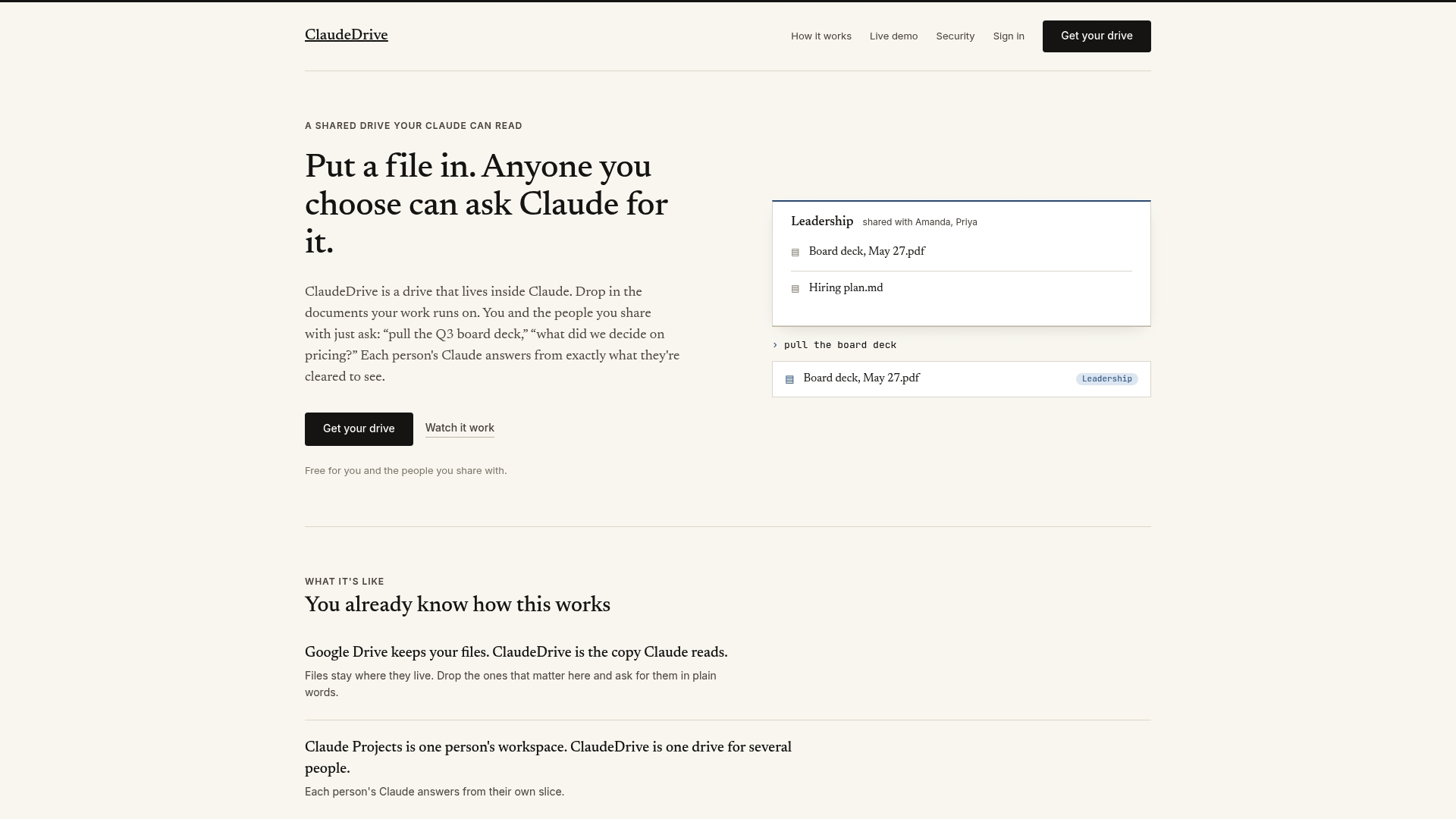
One clear daily briefing appears inside a user’s Claude account, with every line traceable to a named source. ClaudeDrive builds that briefing from documents the reader is authorized to see. That approach avoids a separate app while keeping leaders informed inside Claude.
Core Features
ClaudeDrive provides a shared drive embedded in the Claude platform where teams store and organize work documents. It enforces folder level access so answers come only from files a person may open. The system supports natural language querying and delivers personalized views and daily summaries without a separate installation.
Key Differentiator
Deep integration with Claude AI is the single distinguishing capability. Because the drive runs inside Claude, queries return answers that are scoped to the user’s permissions and traced back to source documents. That linkage makes source attribution and per-person views practical for leadership updates.
Pros
ClaudeDrive plugs into an existing Claude workflow, so leaders get a daily briefing in the same interface they already use. Permission controls reduce the risk of leaking confidential lines and keep answers restricted to authorized documents. Personalized views help chiefs of staff and project leads see only the changes that matter to their role.
Cons
- Depends on the Claude ecosystem, which limits flexibility for teams that need a vendor-neutral knowledge layer.
Who It’s For
This product fits mid-sized company leaders who already use Claude and want concise, permission-filtered document updates. It also suits chiefs of staff, product leads, and operations teams that need a single, auditable source for daily briefings. Organizations that cannot adopt Claude as the primary assistant will find the model less useful.
Unique Value Proposition
No new app to roll out: leaders ask Claude and receive a permission-filtered briefing built only from sources they may read. That workflow reduces change management and keeps the audit trail inside Claude. For teams that value traceability and minimal tooling overhead, this shifts weekly catchups into a short daily read.
Real World Use Case
A startup shares project specifications, pitch decks, and sprint notes in ClaudeDrive. The chief of staff reads the daily briefing each morning to see new commits, meeting notes, and document edits scoped to their access. The team uses the same drive to answer ad hoc questions in natural language during stand-ups.
Pricing
Free for basic use. Paid plans start at $49 per month per user for expanded features and larger teams. The pricing model is per user and begins after the initial free tier.
Website: https://claudedrive.ai
Glean
At a Glance
Glean was implemented at Booking.com enterprise wide, and the company reports that deployment supported 14,000 employees with cross tool search and AI automation. That implementation shows how Glean maps knowledge across many systems while keeping context at the person level. The example reads as a practical test case for large scale knowledge work.
Core Features
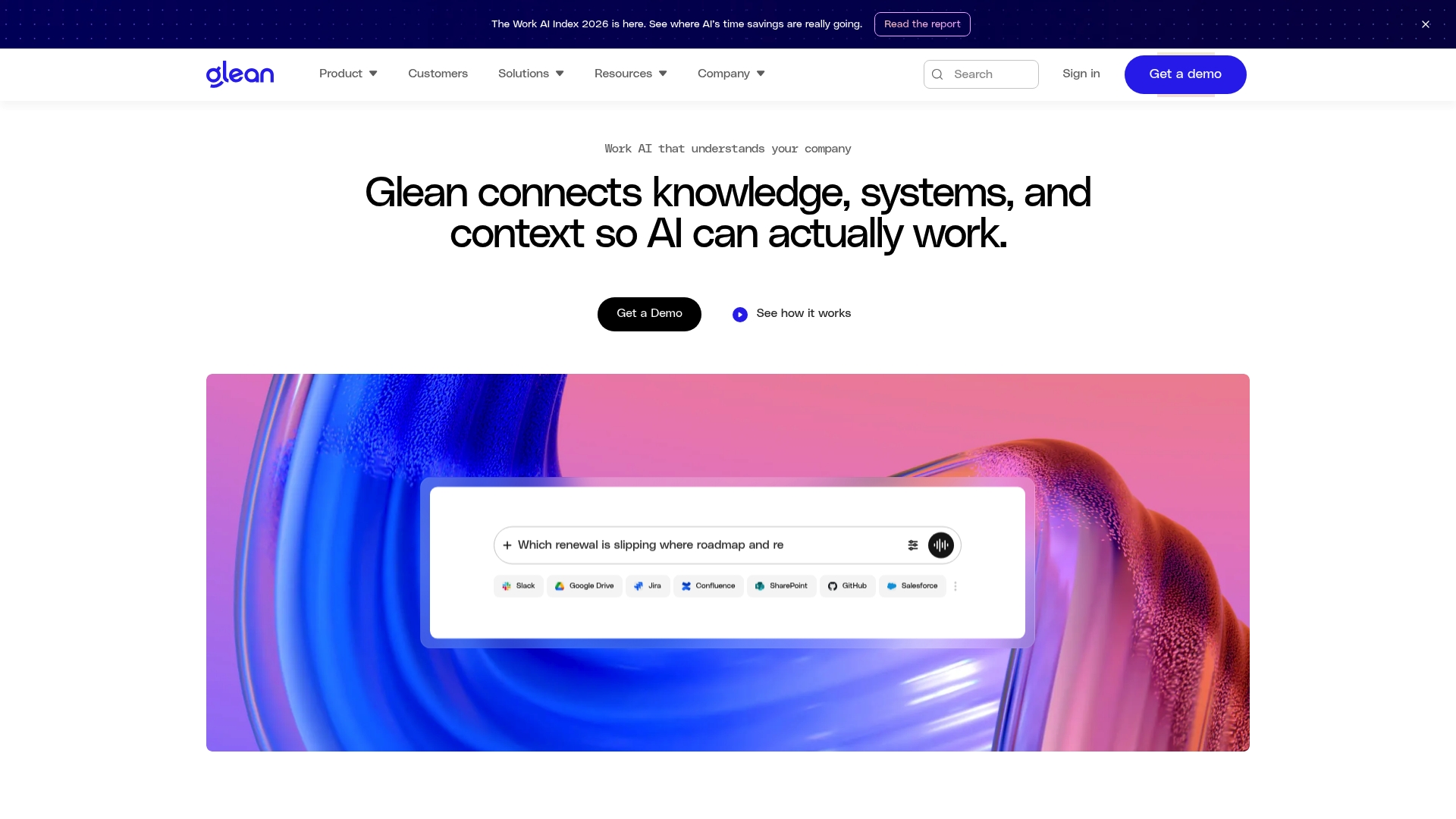
The platform combines enterprise search, semantic vector search, and a knowledge graph to deliver personalized results across tools. The vendor advertises connectors and actions for over 250 integrations and claims support for generative AI agents, real time indexing, API access, and fine tuned security controls. These elements let teams build AI agents, automate workflows, and surface relevant content from many sources.
Key Differentiator
Glean positions itself as a single enterprise AI layer that pairs search with agent orchestration and governance. That pairing focuses on turning queries into actions rather than only returning documents. The product emphasizes running those capabilities inside an environment with enforced permissions and governance.
Pros
Glean reports being used by recognizable enterprises such as Booking.com, Zillow, Ericsson, and GCash, which suggests it handles large deployments and varied enterprise needs. The connector set includes Slack, Google Drive, Jira, Confluence, SharePoint, GitHub, Salesforce, and Airtable, so it can reach the common systems your teams already use. The platform also highlights security and compliance features, with real time permission enforcement and data governance built into indexing and agent actions. Finally, the ability to build and orchestrate AI agents lets you automate multi step processes that normally require manual handoffs.
Cons
-
Deployment complexity: Third party reviews indicate initial setup and integration can require technical expertise and dedicated resources.
-
Overwhelming feature set for small teams: The platform’s breadth may be more than what smaller groups need without dedicated AI or IT support.
-
Time consuming onboarding: Customer feedback suggests initial configuration and tuning can take significant effort for large scale integrations.
When It May Not Fit
This product is not a fit if your organization lacks a technical team to handle enterprise connectors and security configuration. It is also a poor match for small teams that need a lightweight knowledge tool with minimal setup. If you need out of the box onboarding in a week rather than a program of rollout and tuning, consider a simpler search product.
Notable Integrations
- Slack
- Google Drive
- Jira
- Confluence
- SharePoint
- GitHub
- Salesforce
- Airtable
Who It’s For
Large organizations that maintain many systems and need unified search plus automation will find this useful. The ideal buyer has IT capacity for integration work and governance requirements for regulated data. Teams aiming to build internal AI agents and to enforce permissions across sources will extract the most value.
Real World Use Case
Booking.com implemented Glean across its workforce to give employees one place to search and to run automated tasks across tools. That deployment reduced the need to jump between silos for answers and routine actions. The example illustrates the product working at enterprise scale and with real operational complexity.
Pricing
Pricing is not publicly disclosed. The vendor typically offers tailored enterprise contracts and quotes based on deployment scope, connectors, and compliance requirements. Expect pricing to be negotiated rather than fixed tiers.
Website: https://glean.com
Sinequa Enterprise Agentic AI Platform
At a Glance
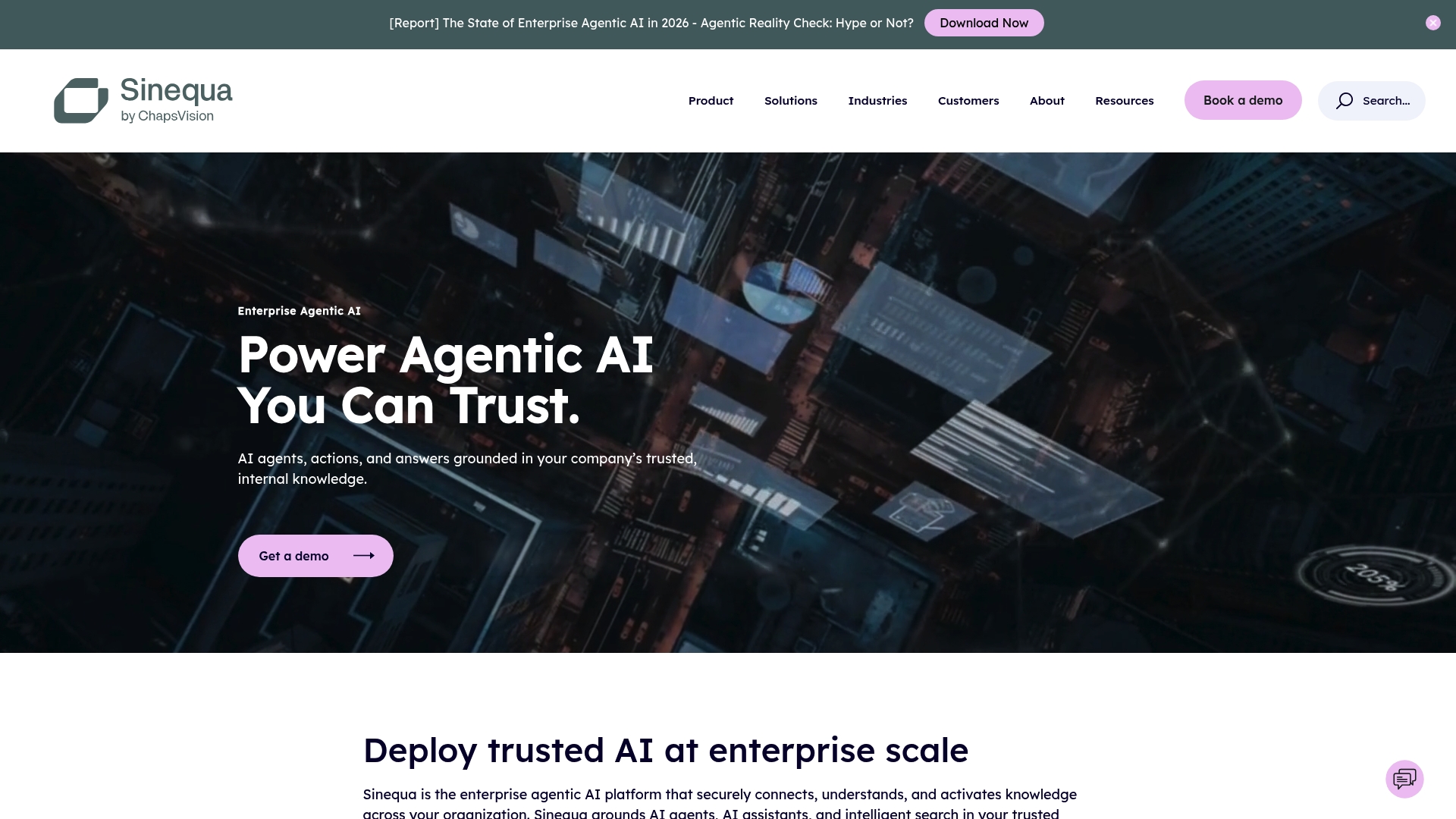
Sinequa reports support for more than 400 million documents and 200,000 users. The vendor also reports more than 200 connectors into databases and enterprise systems. That scale and connector breadth position the product for large, heavily regulated environments that need enterprise grade knowledge access.
Core Features
Sinequa delivers universal connectivity across a large catalog of sources and uses Vector, Keyword, Graph, and multimodal retrieval to find relevant content. The platform structures unstructured content to make technical and business documents discoverable. It also enforces role based access control with end to end encryption while grounding AI agents in internal trusted data.
Key Differentiator
Sinequa grounds agents and assistants directly in internal enterprise data. That grounding reduces the risk of inaccurate outputs by tying responses to traceable sources. This focus on verifiable context and compliance sets it apart from general purpose assistants.
Pros
Grounding agents in internal content reduces hallucination risk and helps teams trust automated responses. The platform supports a wide set of sources, and that connector count makes integrating multiple business systems practical. Sinequa reports the ability to scale to hundreds of millions of documents, which supports large knowledge bases for enterprise search. The product enforces strict security controls and offers on premise, private cloud, and SaaS deployment options for different risk profiles.
Cons
- Integration complexity in legacy heavy environments might be high and require specialist services.
- Pricing details are not publicly specified, which creates uncertainty for smaller procurement teams.
- Deployment and configuration require expert resources, potentially lengthening the overall project timeline.
- Buyer fit depends on the need for extensive connectors and enterprise grade security, so it may be unnecessary for smaller teams.
When It May Not Fit
If your company is a small to mid sized organization with limited integration resources, Sinequa may be overkill. If procurement needs transparent list pricing up front, the quote based model could slow decision making. Organizations without a clear need for enterprise grade connectors and security may find leaner alternatives easier to adopt.
Notable Integrations
Sinequa advertises over 200 connectors including databases, document management systems, and enterprise applications. That integration surface is aimed at pulling content from existing enterprise systems rather than creating a separate knowledge store.
Who It’s For
Large enterprises with strict security, compliance, and data sovereignty requirements will get the most value. Regulated industries such as manufacturing, life sciences, aerospace, and legal match the product profile. Technology leaders who must unify many legacy and modern systems will find the connector set and deployment flexibility relevant.
Real World Use Case
A manufacturing firm unified R&D, production, and supply chain repositories through Sinequa. Engineers and managers gained search driven access to design notes, test results, and vendor contracts. That consolidated view supported faster decisions and automated workflows tied to trusted documents.
Pricing
Pricing is not publicly specified and is typically handled through enterprise licensing by quote. Expect vendor negotiations to include deployment model, connector scope, and support levels which will affect final licensing costs.
Website: https://sinequa.com
At a Glance
Action Sync targets mid-sized to large teams of 50 to 1,000 plus, and supports private deployment on enterprise infrastructure. The platform centralizes email, files, chats, and project tools, so people find context without switching apps. It includes role-specific AI assistants that run inside your environment and keep data under your control.
MindKeepr
At a Glance
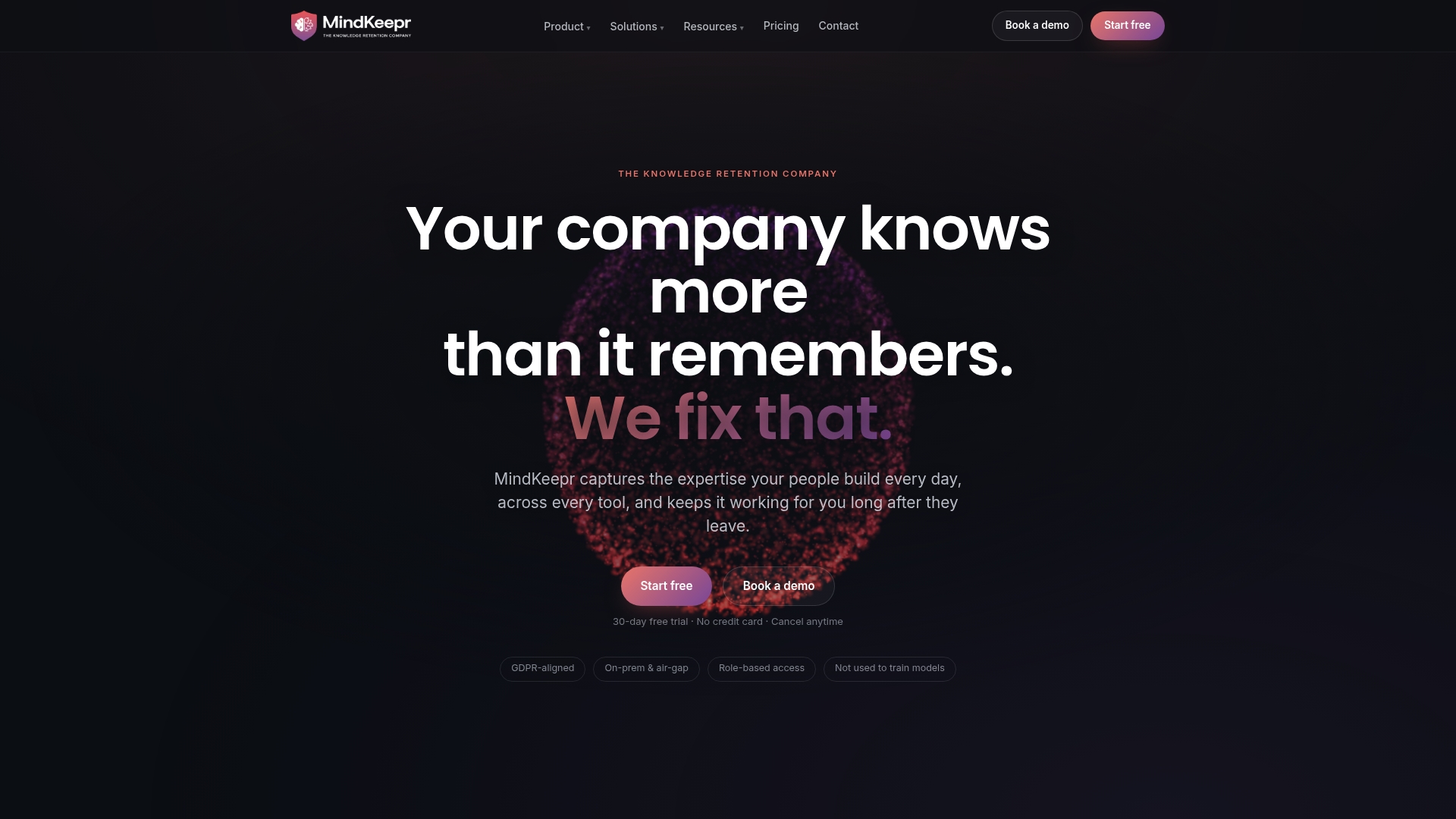
MindKeepr reports it connects to over 100 tools to unify company knowledge across chat, files, and web pages. It captures not only documents but the reasoning behind decisions through Minds and digital Twins. That approach aims to preserve expert judgment for onboarding, project ramp up, and leadership analytics.
Core Features
MindKeepr ingests content from connected services, uploaded files, and scraped sites to create a unified, permission scoped knowledge layer. It offers a natural language chat interface that returns source aware answers and an enterprise search index that surfaces provenance for each result. The platform also exposes APIs for custom integrations and automation across existing tooling.
Key Differentiator
The standout feature is the system’s focus on preserving decision making logic rather than only documents. MindKeepr captures workflows, rationales, and role level judgment so future employees can ask why a choice was made and see the sourcing behind the answer. That emphasis on reasoning aims to reduce knowledge loss when people leave.
Pros
MindKeepr captures context and decision logic, which helps new hires understand why teams chose a path instead of only what the path was. The vendor advertises options for on premise, air gapped, and regional data residency to address privacy and compliance needs. It integrates with common collaboration tools and developer platforms and offers an API to extend coverage into bespoke systems.
Cons
- Setup complexity can be high for organizations with many custom tools. Initial mapping and permissions require significant configuration.
- Pricing targets enterprise buyers and may be expensive for smaller teams. The product targets organizations with broad knowledge management needs.
- Completeness depends on connected sources. Rare or highly niche formats will need custom adapters or manual work.
When It May Not Fit
Organizations with limited budgets or only a handful of knowledge sources may find the platform overpowered and costly. Small teams that need a lightweight wiki or simple document search will likely prefer lower cost alternatives. If your environment relies on many obscure formats, plan for additional integration work.
Notable Integrations
MindKeepr lists Slack, Jira, Confluence, Google Drive, GitHub, SharePoint, and Microsoft Teams among its connectors. The platform also supports custom integration via API so teams can add proprietary systems. That connector set covers common collaboration and developer workflows for most enterprise environments.
Who It’s For
Large organizations with complex knowledge needs, including IT, DevOps, and project teams, will get the most from MindKeepr. Executive teams that want traceable leadership analytics and firms that must deprovision access while retaining expertise fit particularly well. The product suits buyers planning a multi system rollout.
Real World Use Case
A tech company builds digital Twins of senior engineers so new hires can ask technical questions and learn the decision reasoning. Engineers reduce context chasing because answers include the original sources and rationale. That practice speeds ramp up and lowers reliance on former team members.
Pricing
MindKeepr lists an Enterprise Pro plan at $20 per user per month with a 30 day free trial. Individual plans start at $20 per month with the first month free, and custom enterprise pricing is available for larger deployments. Contact sales for volume discounts and enterprise deployment options.
Website: https://mindkeepr.com
Comparison of alternatives
ClaudeDrive excels by delivering tailored daily briefings directly within an existing Claude AI workflow, a feature in simplicity and accessibility among competitors. This section evaluates its performance alongside Glean, Sinequa, and MindKeepr.
Where Integration Depth Matters
ClaudeDrive distinguishes itself with its tight integration within Claude AI, enabling daily briefings and document querying without requiring external tools. For companies already utilizing Claude AI, this approach streamlines leadership updates via permission-filtered briefings directly sourced from accessible documents—a unique feature absent from competitors.
Connector Breadth for Enterprise Use Cases
Glean demonstrates strength in integration breadth, supporting over 250 tools including Slack, Google Drive, Jira, and Salesforce. Large enterprises requiring extensive cross-platform compatibility and automation will find value in its capabilities. While ClaudeDrive focuses on simplicity within its ecosystem, Glean provides versatility suited for complex environments.
Best fit
- Company leaders working within the Claude ecosystem who prioritize concise daily updates from accessible sources.
- Large enterprises needing advanced connector compatibility to unify disparate knowledge systems, supported by Glean’s tool integrations.
- Organizations with critical compliance requirements requiring secure, traceable AI-powered outputs such as those provided by Sinequa.
- Teams requiring preservation of decision rationale for effective onboarding and project ramp-up offered efficiently by MindKeepr.
Our pick
ClaudeDrive is the ideal choice for teams prioritizing succinct, scope-aware knowledge updates directly integrated with their Claude AI environment. Its embedding within existing workflows enables effective daily leadership briefings. However, organizations requiring broader integration or complex compliance features may prefer Glean or Sinequa respectively as alternatives that cater to these specific needs.
Here is a comparison to assist in selecting the ideal company knowledge assistant:
| Product | Key Feature | Best For | Pricing | Limitation |
|---|---|---|---|---|
| ClaudeDrive | Integration with Claude AI for secure document management and querying | Leaders using the Claude platform for team document updates | Free tier; $49/user/month for advanced features | Requires Claude ecosystem; not vendor-neutral |
| Glean | Enterprise search with over 250 integrations and AI agents | Large organizations with IT resources and compliance needs | Price not published | High setup complexity for small teams |
| Sinequa | Enterprise-grade document retrieval and role-based access control | Large enterprises needing robust security and data processing | Price not published | High resource needs for deployment |
| MindKeepr | Captures decision logic and reasons through “Minds” | Large organizations seeking to preserve decision-making history | Starts at $20/user/month | High setup complexity for niche sources |
How Can Leaders Get Accurate, Permission-Filtered Company Knowledge Without More Apps?
When seeking a Microsoft Copilot alternative for company knowledge, leadership faces a common challenge: accessing trustworthy, concise updates drawn only from documents they are allowed to view. Teams want daily briefings without managing new apps or risking confidential information leaks. ClaudeDrive addresses this by delivering a clear daily update inside the Claude account your leaders already use. It connects tools like meeting notes, GitHub, and calendars to build personalized, auditable summaries with every line traceable to a real source.
Leaders, chiefs of staff, and product heads get a focused view of what matters without any dashboard to learn or wiki to maintain. Visit ClaudeDrive to see how to connect your tools and receive your own private briefing. Read once, trust fully, and act with confidence by making ClaudeDrive part of your leadership routine.
FAQ
How does ClaudeDrive provide daily updates for company knowledge?
ClaudeDrive offers a centralized daily briefing generated from documents each reader is authorized to access. This feature allows users to be informed without needing to switch between apps, as it consolidates information directly within the Claude platform. Leaders should expect streamlined access to updates pertinent to their roles without the risk of unauthorized information leaks.
What is the difference between ClaudeDrive and Glean?
Glean excels in its ability to integrate with over 250 different tools and supports real-time indexing for enterprise-wide applications. ClaudeDrive, on the other hand, focuses on generating permission-filtered briefings within the Claude environment, which minimizes the need for separate systems. Organizations already entrenched in the Claude ecosystem will benefit more from ClaudeDrive for user-specific updates.
Which platform offers better security for document access?
ClaudeDrive enforces folder-level access to ensure that users only receive information from documents they can open. This secure approach safeguards sensitive data and streamlines communication for leadership updates. Companies prioritizing data security while allowing easy access to relevant information should consider this feature critical.
Can I expect detailed audit trails with ClaudeDrive?
Yes, ClaudeDrive provides a clear audit trail for all accessed documents, grounding its briefings in verified sources. This capability helps ensure accountability and traceability for leadership updates, making it a reliable choice for companies looking to maintain compliance and transparency in knowledge management.
What are the pricing options for ClaudeDrive?
ClaudeDrive offers a free tier for basic use, with paid plans starting at $49 per month per user for expanded features tailored for larger teams. Organizations seeking a cost-effective yet powerful solution for company knowledge should evaluate these pricing plans based on their team size and usage needs.